Cargo-Planner Docs
Custom rules
Custom rules allow you to create specific loading behaviours for cargo that are not accessible through other settings or data-parameters.
Each rule consists of three parts:
-
Selector: What items the rule should apply to. You can create filters with specific properties of items like Items with a length greater than 100cm or Items with a Group/Shipment of “Group A”. You can combine multiple filters, selecting a smaller and smaller section of the total items with each filter. If left empty this rule will apply to all items.
-
Condition: How these items should behave. Some conditions also includes a second selector input. A list of each condition is shown below
-
Containers: In what hold-type this rule applies. If left empty, the rule applies to all container types.
List of conditions
| Condition |
|---|
| Cannot be loaded in |
| Cannot be loaded with |
| Cannot exceed quantity |
| Cannot exceed SKU types |
| Cannot support |
| Can only support |
| Must be loaded in |
| Must be loaded before |
| Must be loaded first |
| Must be loaded along centerline |
| Must be loaded into secondary |
| Must load with pattern |
This list is frequently being updated
Examples
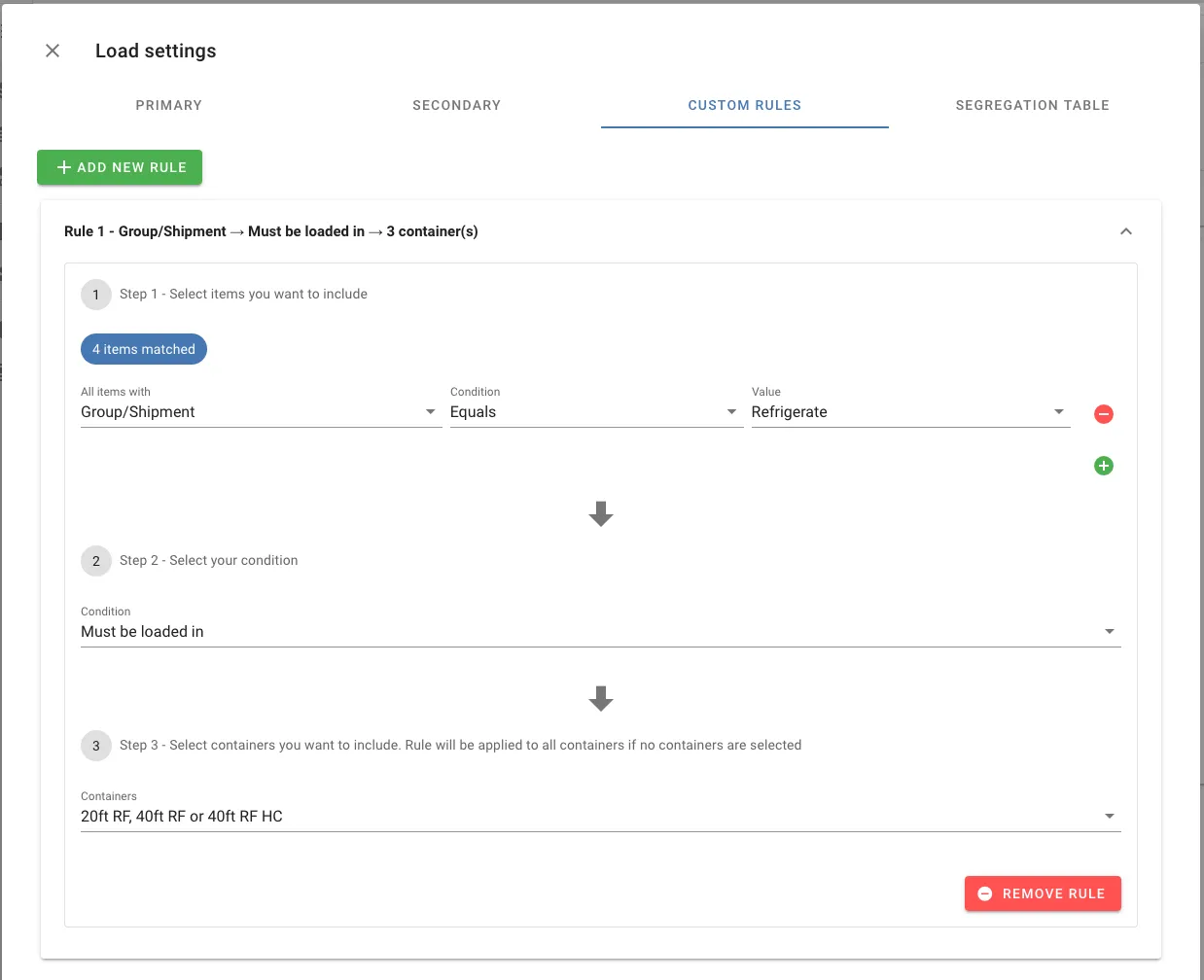
A custom rule stating that any item with the group “Refrigerate” needs to be loaded into one of the reefer container-types
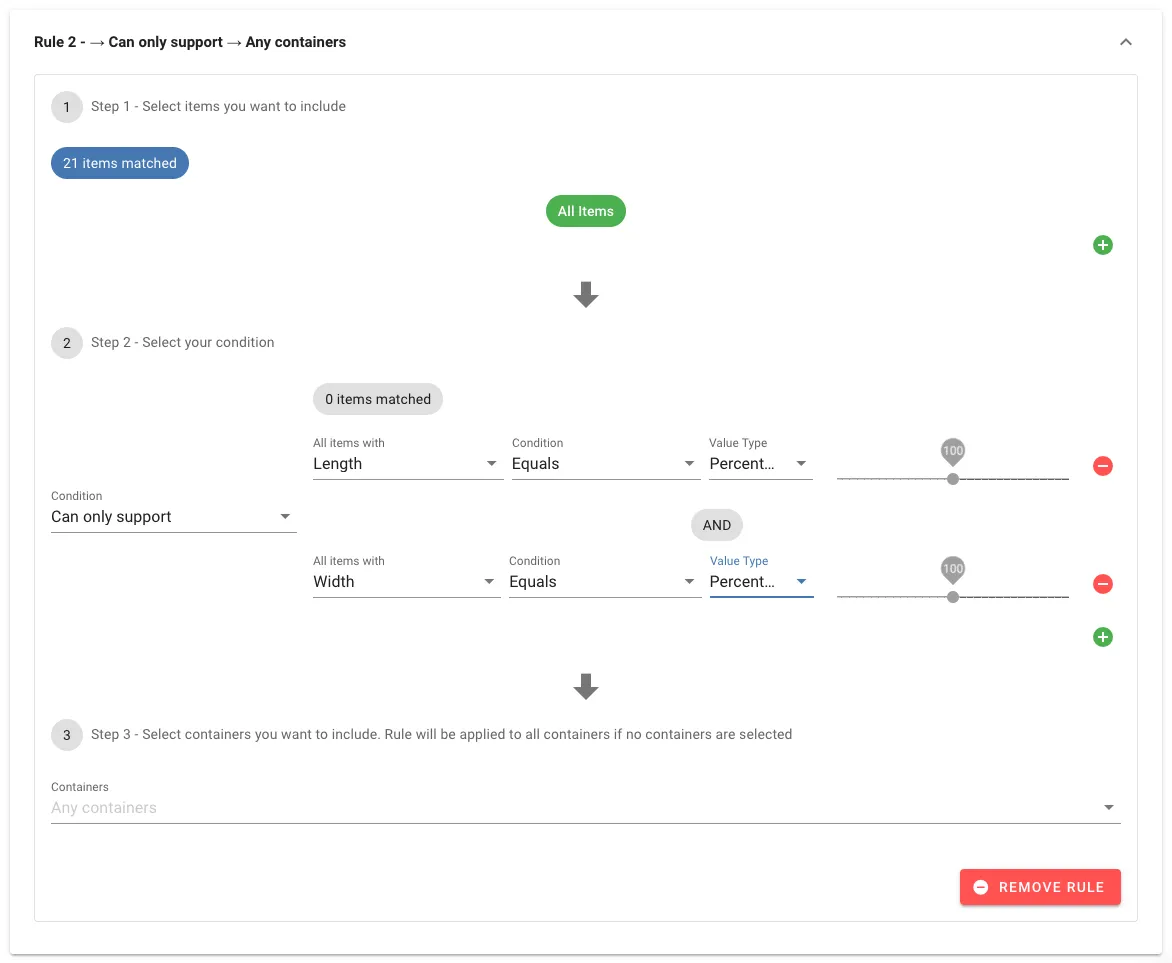
A rule that limits stacking to only be allowed on cargo of the exact same dimensions